
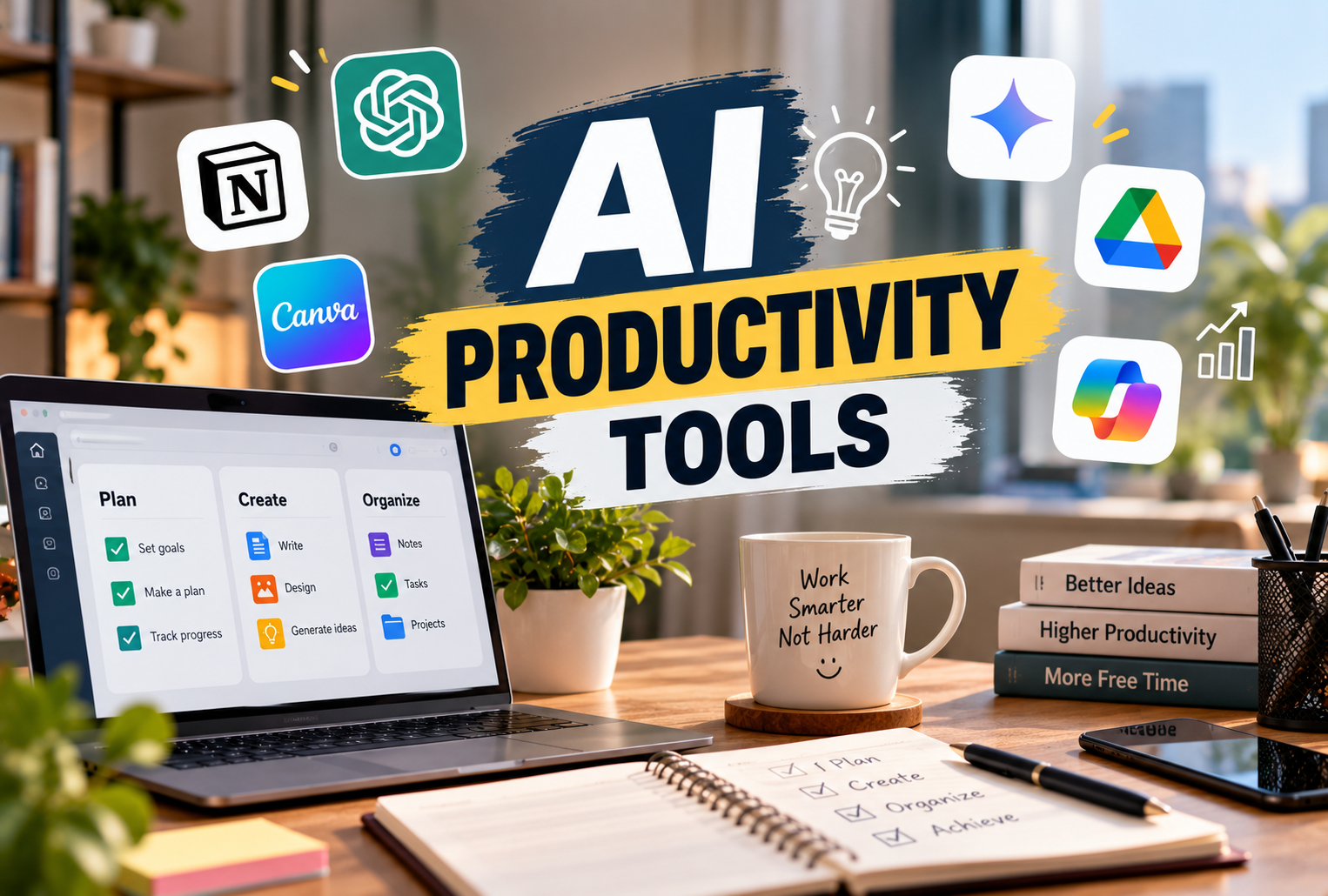
Artificial intelligence is changing how people write, research, organize projects, manage information, and complete everyday tasks. Activities that once required hours of manual effort can now be supported by intelligent digital assistants.
As businesses prepare for 2027, AI productivity tools are becoming increasingly valuable for professionals, freelancers, students, content creators, and business owners.
Whether you need help preparing reports, summarizing documents, planning projects, or automating repetitive work, the right artificial intelligence tools can make your workflow more efficient.
But with so many options available, which tools are actually worth using?
This guide explores some of the best AI tools 2027 users should consider, their practical applications, and how to choose solutions that match everyday productivity needs.
AI Productivity Tools: Why They Matter in 2027
Modern AI productivity tools do more than generate text. They can help users analyze information, organize tasks, create presentations, summarize meetings, and automate workflows.
For example, a marketing professional can use AI to prepare a campaign outline, while a project manager can generate task summaries and identify pending activities.
The biggest advantage is not simply completing tasks faster. It is creating more time for strategic thinking, problem-solving, creativity, and important decisions.
However, AI-generated information should always be reviewed for accuracy, especially when dealing with financial, legal, medical, or confidential business matters.
Best AI Tools for Productivity: Quick Comparison
| AI Tool | Best For | Main Use |
|---|---|---|
| ChatGPT | General productivity | Writing, research, analysis |
| Microsoft Copilot | Office professionals | Documents, spreadsheets, meetings |
| Google Gemini | Google Workspace users | Writing, research, organization |
| Notion AI | Knowledge management | Notes, documents, planning |
| Grammarly | Professional communication | Grammar, tone, rewriting |
| Perplexity | Online research | Source-backed answers |
| ClickUp Brain | Project management | Tasks, summaries, workflows |
| Zapier | Business automation | Connecting apps and automating processes |
| Canva Magic Studio | Visual content | Presentations, graphics, design |
These tools serve different purposes, and their features, usage limits, and subscription plans may change during 2027.
1. ChatGPT — Best for Everyday Work and Content Creation
ChatGPT is a versatile AI assistant designed to support writing, brainstorming, research, problem-solving, and document analysis.
Professionals can use it to create first drafts, explain complicated concepts, organize information, and explore new ideas.
Key productivity uses:
-
Drafting emails, articles, and business proposals
-
Summarizing lengthy documents
-
Brainstorming marketing strategies
-
Analyzing uploaded files and datasets
-
Creating outlines and project plans
Best for: Writers, marketers, students, researchers, and business professionals.
ChatGPT is particularly useful when tasks require natural-language interaction and flexible problem-solving.
2. Microsoft Copilot — Best for Office Productivity
Microsoft Copilot helps users work with AI across supported Microsoft products and services.
Depending on the product and subscription, it can assist with document preparation, spreadsheet analysis, presentation creation, and meeting summaries.
For professionals already using Microsoft 365, Copilot can fit into existing workflows.
Best for: Corporate teams, administrators, analysts, and office professionals.
Its main attraction is the potential to reduce repetitive work within familiar productivity applications.
3. Google Gemini — Best for Google Workspace Users
Google Gemini offers AI assistance for research, writing, idea generation, and information analysis.
Google also provides Gemini-powered features across selected Workspace applications, subject to plan availability.
Users can explore assistance with emails, documents, spreadsheets, and everyday planning.
Best for: Professionals who regularly use Gmail, Google Docs, and other Google services.
Gemini can be especially convenient for people who prefer working within Google's ecosystem.
4. Notion AI — Best for Organizing Knowledge
Notion AI combines AI assistance with a workspace for documents, notes, databases, and project information.
It can help users summarize content, rewrite documents, brainstorm ideas, and organize information.
For teams managing multiple projects, keeping knowledge in one place can reduce time spent searching across disconnected files.
Best for: Content teams, freelancers, startups, and knowledge workers.
Among AI task management tools, Notion is useful for teams that want to connect documentation with everyday planning.
5. Grammarly — Best for Professional Writing
Grammarly focuses on improving written communication through grammar suggestions, clarity improvements, tone adjustments, and AI-assisted rewriting.
It can help professionals prepare more polished emails, reports, and presentations.
For people who write frequently, Grammarly provides a practical addition to their workflow.
Best for: Business professionals, students, editors, and customer support teams.
It is one of the recognizable AI writing tools for improving everyday communication.
6. Perplexity — Best for Research and Information Discovery
Perplexity is an AI-powered search and answer platform that helps users explore topics and locate supporting sources.
It can be useful for market research, competitor analysis, industry exploration, and background reading.
Unlike conventional keyword searching, conversational queries allow users to ask follow-up questions.
Best for: Researchers, analysts, journalists, and business professionals.
As with other AI research assistants, users should open the original sources and verify important claims.
7. ClickUp Brain — Best for Managing Projects
ClickUp Brain brings AI assistance into project and task management workflows.
Its capabilities include generating task summaries, creating project documentation, assisting with updates, and organizing work-related information.
Teams managing several projects can use AI-supported summaries to understand progress and identify outstanding work.
Best for: Project managers, agencies, operations teams, and businesses.
For organizations exploring AI tools for work, project-management integrations can be particularly useful.
8. Zapier — Best for Automating Repetitive Tasks
Zapier helps connect different applications and create automated workflows.
For example, a business could configure a workflow to create a task when a new form submission arrives or update a database after a particular event.
Zapier also offers AI-supported automation capabilities.
Best for: Small businesses, marketing teams, and operations professionals.
Among AI automation software solutions, Zapier is worth considering when repetitive tasks involve multiple applications.
9. Canva Magic Studio — Best for Visual Productivity
Canva Magic Studio provides AI-powered features for creating and editing visual content.
It can assist with social media graphics, presentations, marketing materials, and design concepts.
Users without advanced graphic design experience may find it helpful for preparing everyday business visuals.
Best for: Social media managers, marketers, entrepreneurs, and content creators.
Best AI Tools for Professionals: Which Should You Choose?
The best AI tools for professionals depend on the type of work you perform.
| Professional Role | Suggested Tools |
|---|---|
| Content Writer | ChatGPT, Grammarly |
| Digital Marketer | ChatGPT, Canva, Perplexity |
| Project Manager | ClickUp Brain, Notion AI |
| Office Employee | Microsoft Copilot, Gemini |
| Research Analyst | Perplexity, ChatGPT |
| Business Owner | Zapier, Notion AI |
Instead of purchasing multiple subscriptions immediately, identify your most time-consuming tasks and test one or two relevant tools.
Free AI Productivity Tools: Can You Work Without Paying?
Several popular platforms provide free AI productivity tools or limited free access.
Options may include ChatGPT, Gemini, Perplexity, Grammarly, and Canva, depending on their current offerings.
Free plans can be useful for basic writing, research, brainstorming, and content preparation.
However, advanced models, higher usage limits, integrations, and team features may require paid subscriptions.
Always review official pricing pages before making purchasing decisions.
How Artificial Intelligence for Productivity Can Save Time
Using artificial intelligence for productivity effectively requires a clear workflow.
Consider this example:
Step 1: Use an AI research assistant to gather background information.
Step 2: Create an outline using an AI writing assistant.
Step 3: Prepare and revise the document.
Step 4: Organize tasks in a project management application.
Step 5: Automate routine notifications or updates.
This approach combines research, content creation, task management, and productivity automation tools without depending entirely on a single application.
The objective should be to reduce repetitive effort while maintaining human oversight.
Common Mistakes When Using AI at Work
AI can improve efficiency, but careless use may create additional problems.
Trusting every AI-generated answer: AI systems can produce inaccurate or outdated information.
Sharing confidential information: Avoid uploading sensitive business or personal data without appropriate authorization and privacy safeguards.
Using too many applications: Multiple overlapping tools can increase costs and complicate workflows.
Ignoring human review: Important documents and decisions still require professional judgment.
Automating unclear processes: Improve the underlying workflow before introducing automation.
Responsible use helps organizations benefit from AI while managing potential risks.
Conclusion
The AI productivity tools landscape offers practical opportunities to improve writing, research, project management, communication, and business automation.
From versatile assistants like ChatGPT and Gemini to specialized solutions such as Grammarly, ClickUp Brain, Zapier, and Canva, each platform addresses different productivity needs.
As 2027 approaches, choosing the right tools will depend less on popularity and more on how effectively they support your everyday responsibilities.
Start with a clear objective, test suitable applications, verify important outputs, and build a workflow that helps you work smarter, save time, and maintain quality.
Editorial Note: This 2027 planning guide reflects publicly available product capabilities as of October 2026. Features, pricing, and availability may change.