11 Powerful Ways ChatGPT Can Make Your Daily Life Easier in 2026

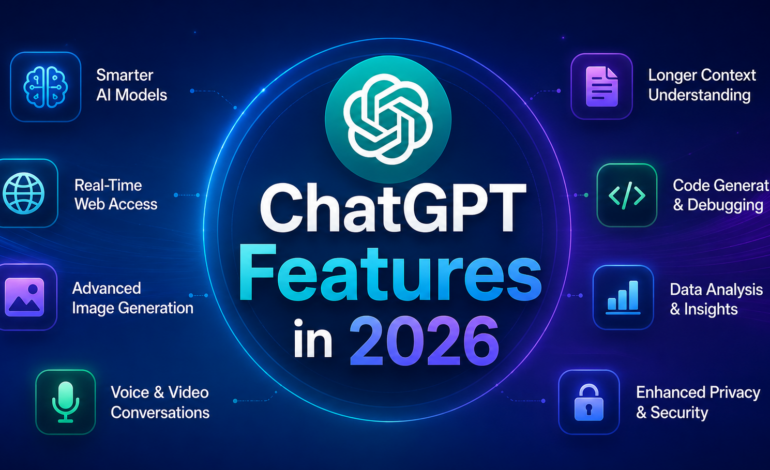
Artificial intelligence has become part of everyday life, and ChatGPT is no longer just a tool for asking simple questions. In 2026, it can help students, professionals, business owners, marketers, developers, and content creators complete tasks faster while improving productivity.
Whether you want to write articles, plan a vacation, generate images, analyze documents, or organize your daily work, ChatGPT offers practical solutions that save both time and effort. Instead of replacing human creativity, it works as an intelligent assistant that helps you achieve better results.
In this guide, we’ll explore eleven practical ways you can use ChatGPT in 2026.
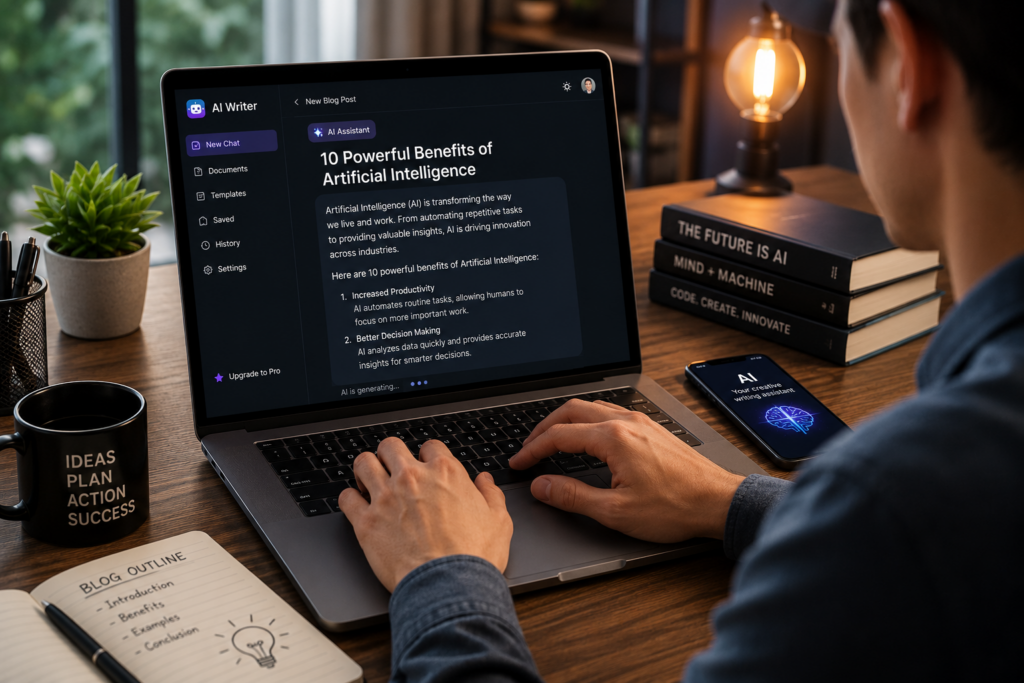
1. Write High-Quality Content Faster
Creating quality content consistently can be difficult. ChatGPT helps generate blog outlines, article drafts, product descriptions, emails, social media captions, and website copy in minutes.
Writers can spend less time on repetitive work and more time improving ideas, adding personal experience, and creating valuable content for readers.
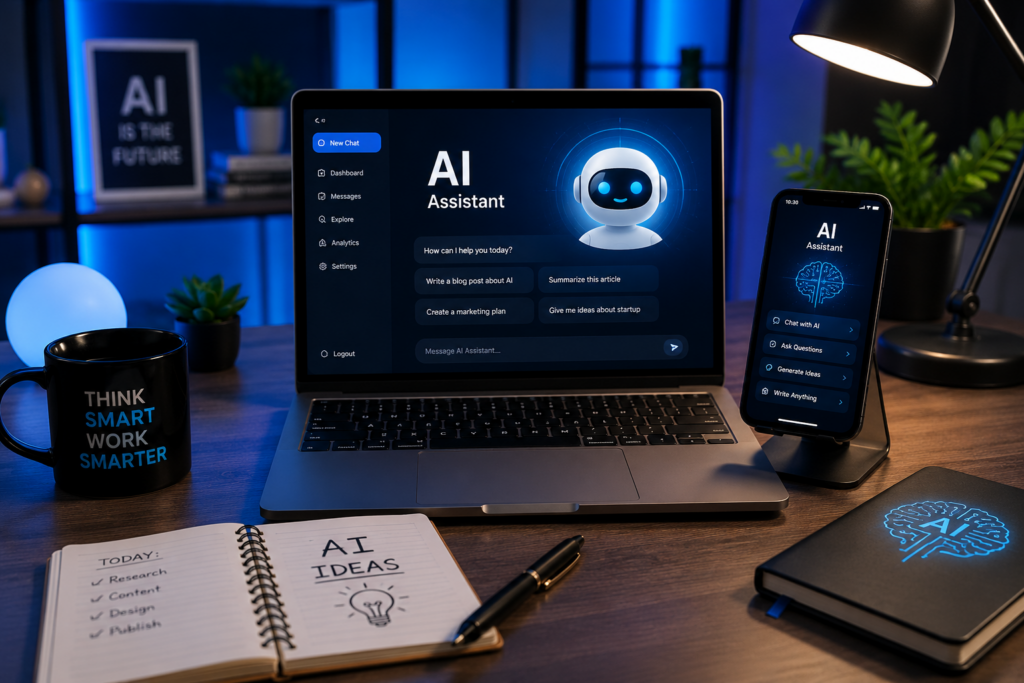
2. Research Complex Topics in Minutes
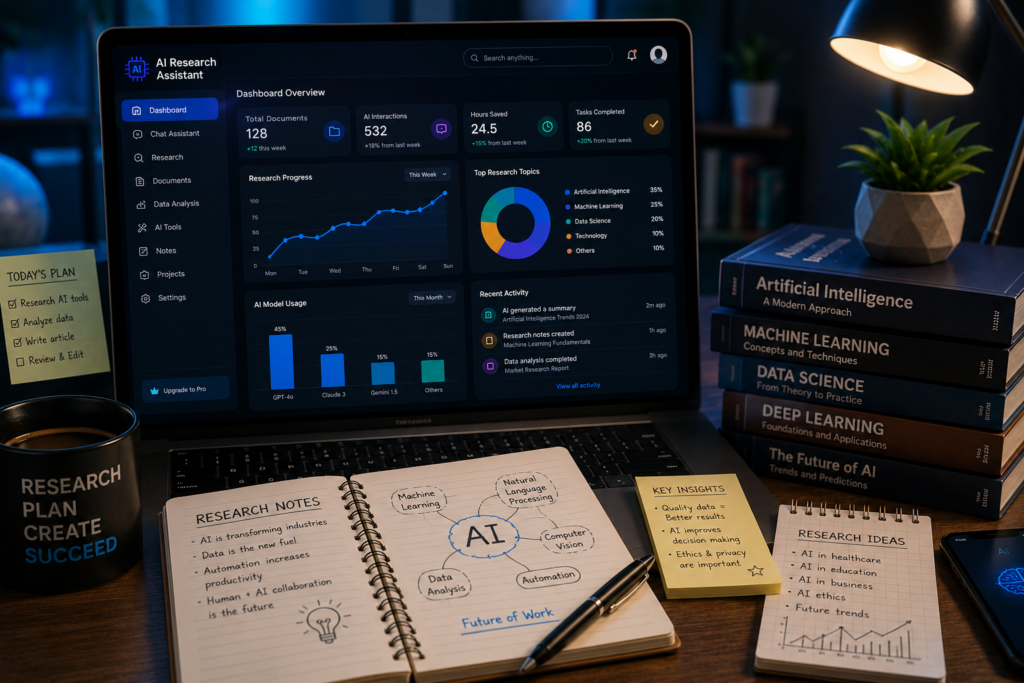
Instead of opening dozens of browser tabs, you can ask ChatGPT to explain complicated topics in simple language.
It can summarize information, compare concepts, explain technical terms, and help you understand difficult subjects much faster.
Always verify important facts using trusted sources before publishing professional or academic content.
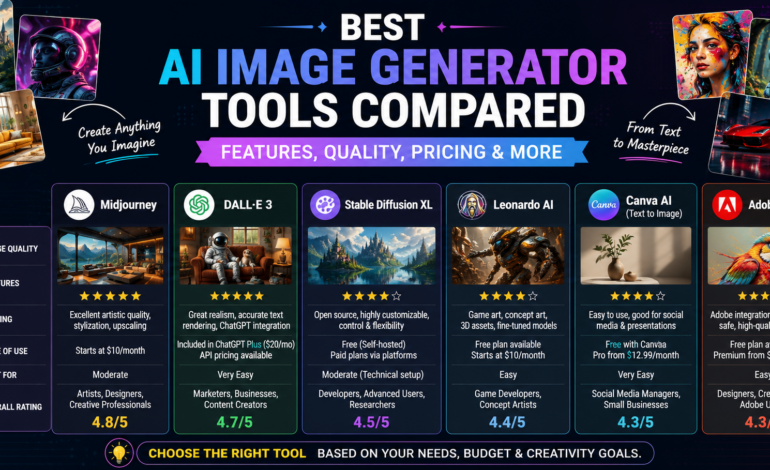
3. Generate Stunning Images for Blogs and Social Media
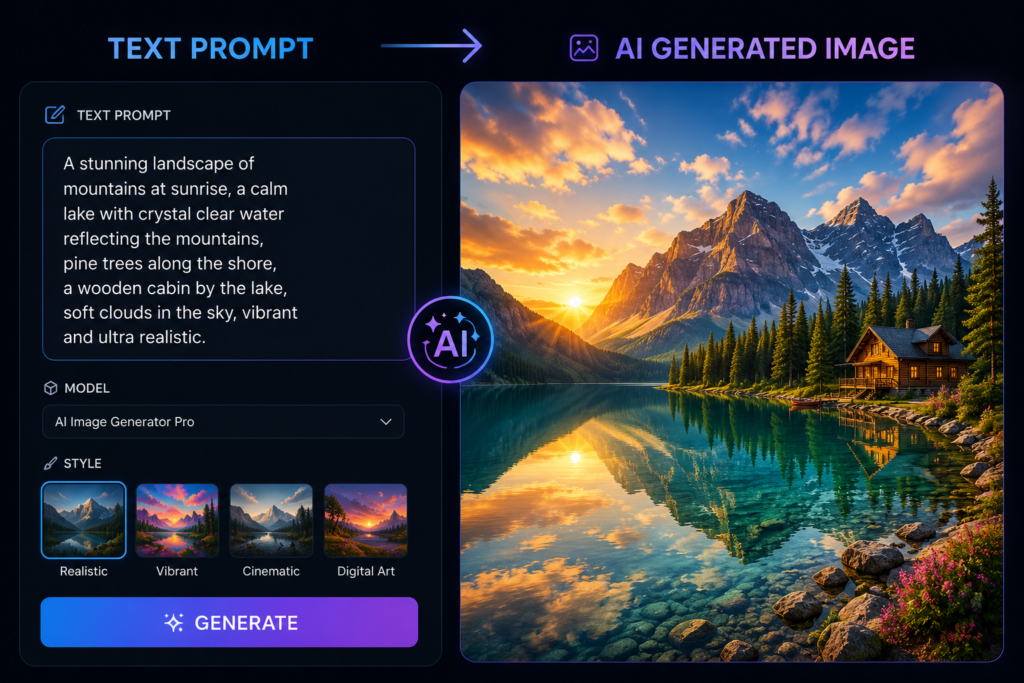
One of the biggest improvements is AI-powered image generation.
You can create:
- Blog featured images
- YouTube thumbnails
- Social media graphics
- Product mockups
- Marketing banners
- Concept illustrations
This saves both design time and creative costs.
4. Analyze PDFs, Excel Sheets, and Reports
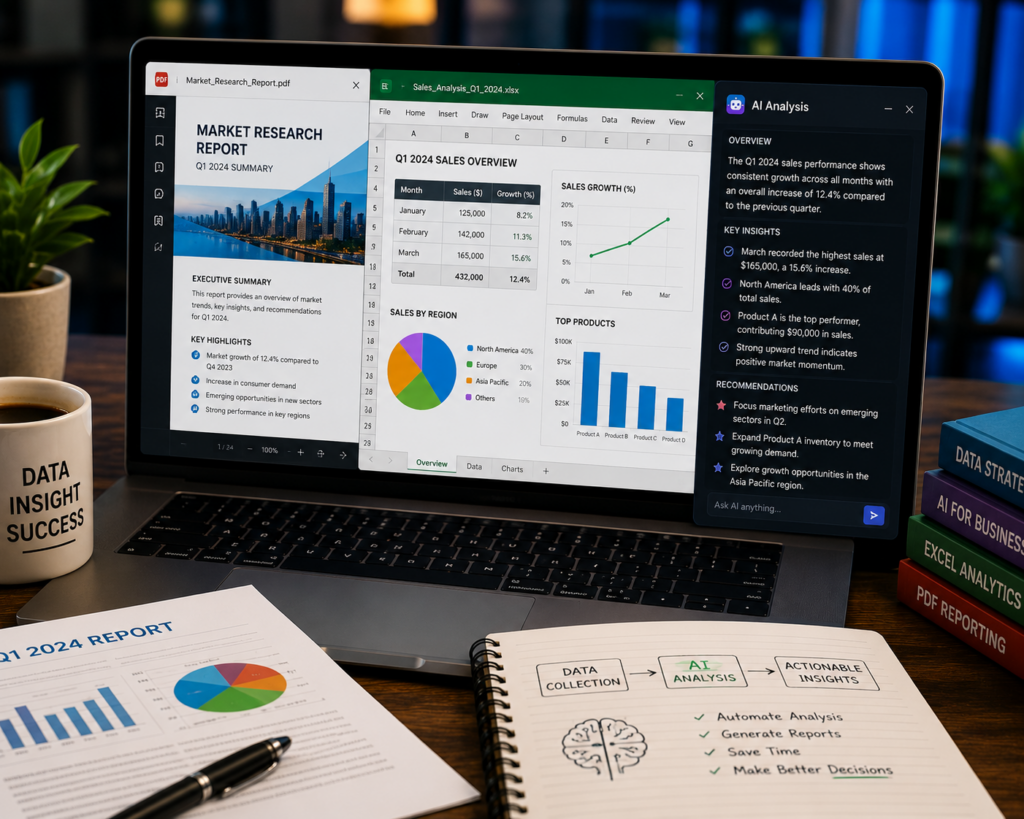
Instead of manually reading hundreds of pages, ChatGPT can help summarize documents, explain spreadsheets, identify trends, and highlight important insights.
Business owners use it to review sales reports, contracts, and performance data much faster.
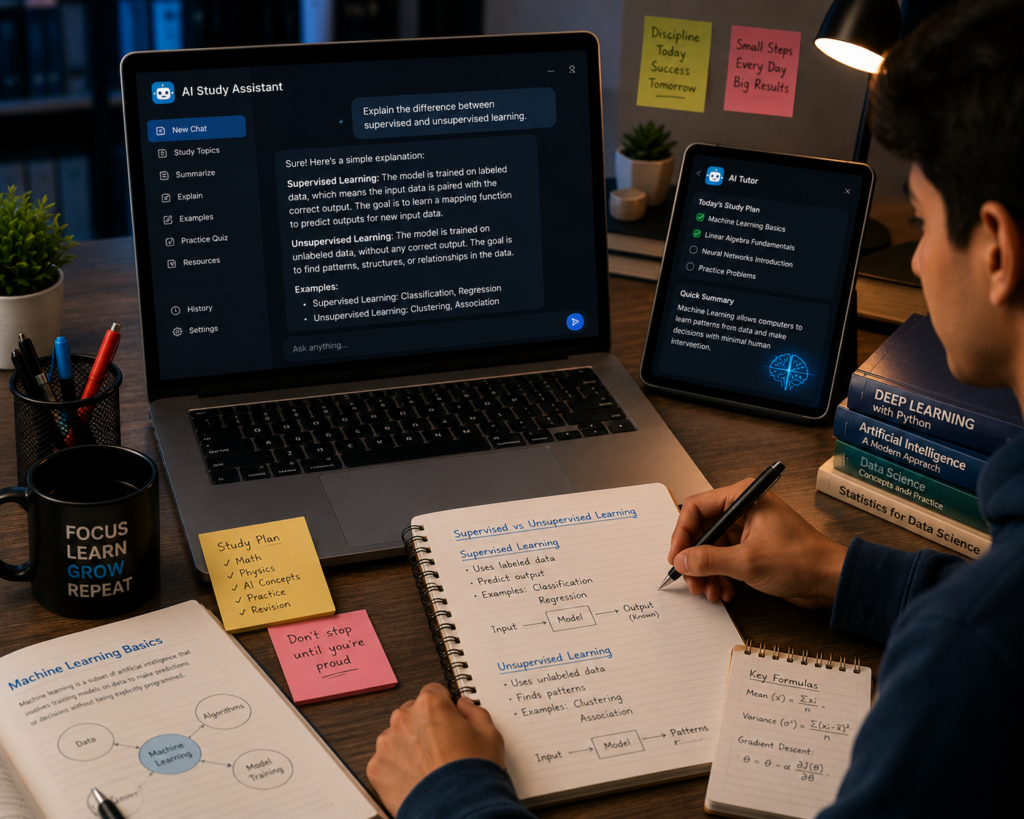
5. Learn New Skills with a Personal AI Tutor
Whether you’re learning programming, digital marketing, graphic design, photography, finance, or a new language, ChatGPT can explain topics step by step.
It adapts explanations to your current knowledge level and can generate quizzes, practice exercises, and study plans.
6. Plan Complete Travel Itineraries
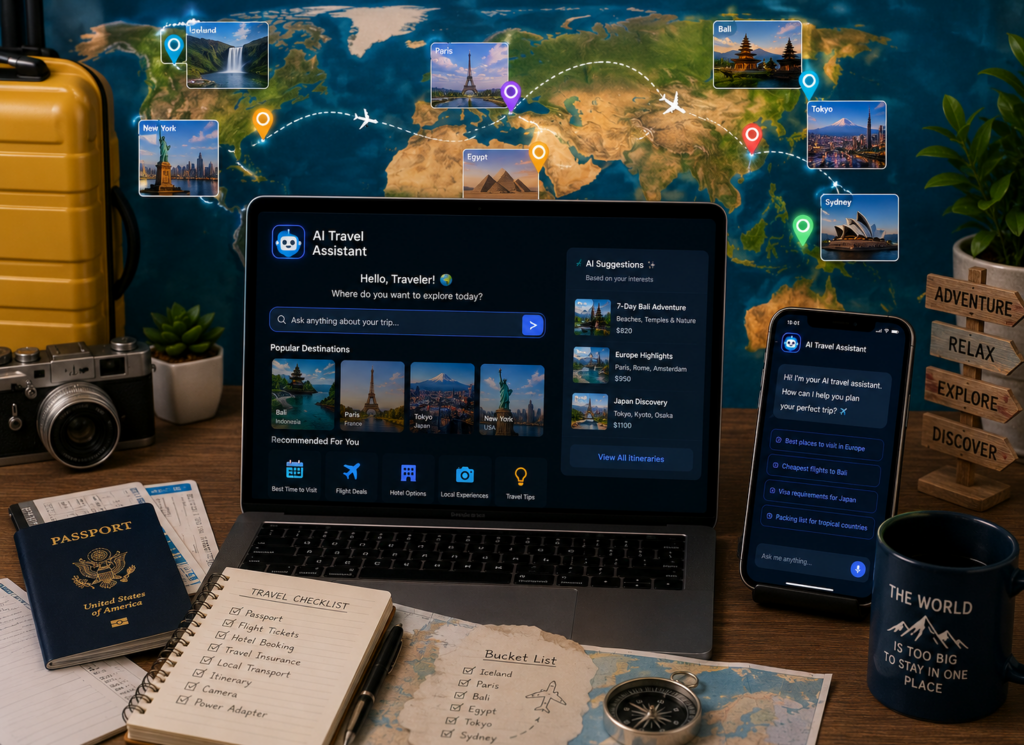
Planning a trip becomes much easier with AI assistance.
You can generate:
- Day-by-day itineraries
- Budget estimates
- Packing lists
- Food recommendations
- Local attractions
- Transportation suggestions
This makes travel planning quicker and more organized.
7. Improve Coding and Debugging
Developers use ChatGPT to understand programming concepts, fix errors, write sample code, optimize functions, and learn new frameworks.
It works well as a coding companion but should always be combined with testing and code review.

8. Organize Your Daily Work
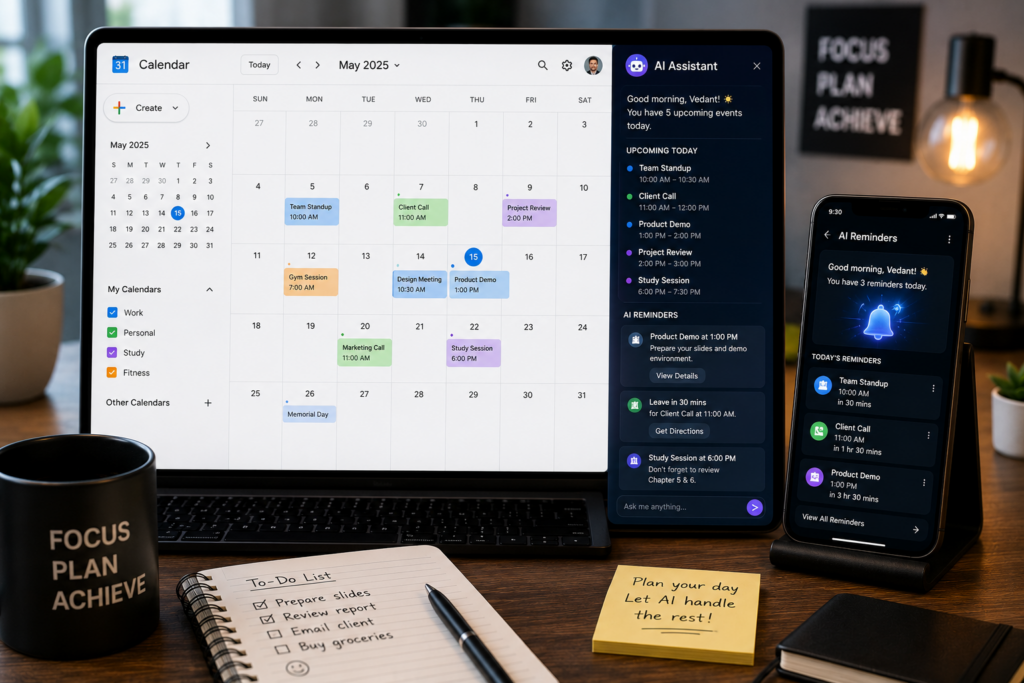
From creating meeting agendas to managing to-do lists, ChatGPT helps organize work efficiently.
You can create:
- Daily schedules
- Project timelines
- Email drafts
- Meeting summaries
- Task checklists
This helps reduce repetitive administrative work.
9. Support Small Businesses
Business owners use ChatGPT for marketing ideas, customer communication, product descriptions, SEO planning, FAQ creation, and sales content.
It helps teams produce professional content without spending hours on repetitive writing.

10. Brainstorm Creative Ideas
If you’re stuck, ChatGPT can help generate fresh ideas for:
- Blog topics
- Video scripts
- Business names
- Product concepts
- Marketing campaigns
- Social media series
It acts as a creative brainstorming partner rather than replacing your own thinking.
11. Become More Productive Every Day
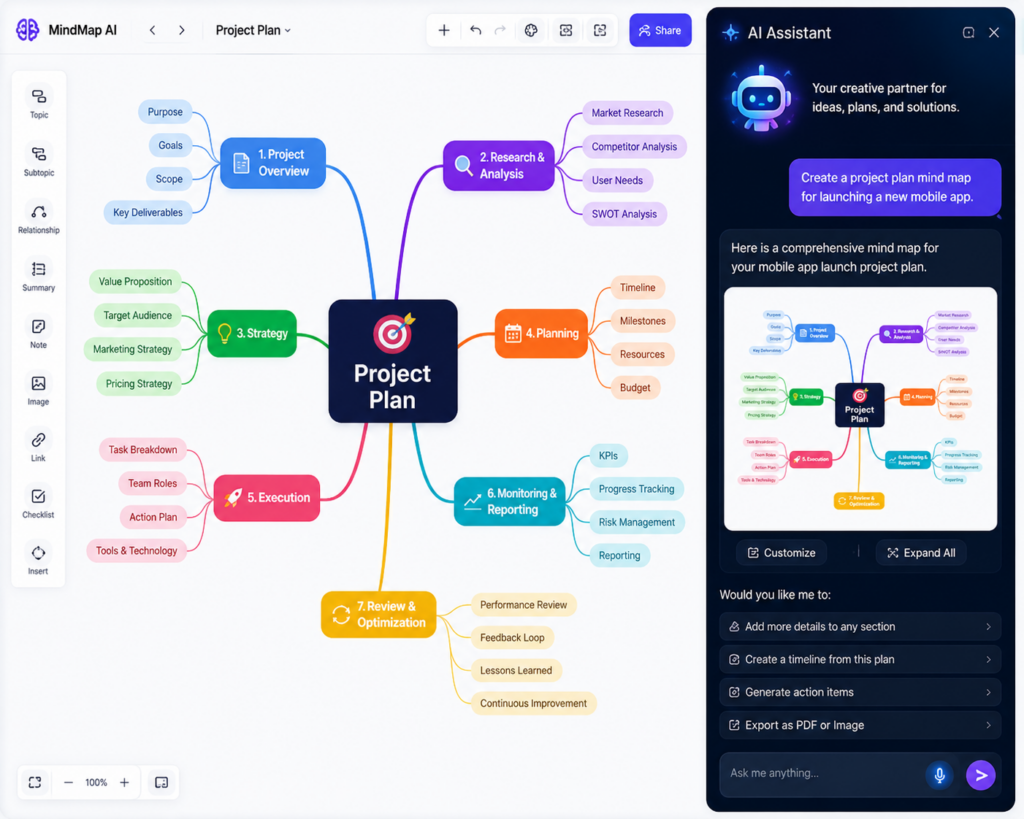
One of the biggest advantages of ChatGPT is saving time.
Instead of switching between multiple tools, you can write, plan, summarize, translate, brainstorm, and organize work from one place.
Used thoughtfully, it becomes a valuable productivity assistant for both personal and professional tasks.

Frequently Asked Questions
Is ChatGPT free to use?
Yes. A free version is available, while paid plans provide access to additional capabilities and higher usage limits.
Can ChatGPT generate images?
Yes. It can create images from text prompts and assist with visual content creation.
Is ChatGPT useful for businesses?
Yes. Businesses use it for customer communication, marketing content, research, documentation, and workflow automation.
Can ChatGPT replace Google Search?
Not entirely. ChatGPT is useful for explanations and drafting, while search engines remain important for finding and verifying current information.
Is ChatGPT safe for professional work?
It can be very helpful, but important facts, legal information, financial decisions, and medical advice should always be verified with reliable sources.
Conclusion
ChatGPT has evolved into a versatile AI assistant that supports writing, learning, research, business operations, travel planning, coding, and everyday productivity. Rather than replacing human expertise, it helps people work more efficiently and focus on tasks that require creativity and judgment. As AI continues to develop, knowing how to use tools like ChatGPT effectively can become a valuable skill for students, professionals, creators, and business owners alike.